


Since a company may have multiple branches in different locations or separate stocks and offices, it is necessary to define all facilities and locations at the outset.
It is not necessary to use a two-tier location classification in asset tracking. It is sufficient to define, for example, facilities as the cities where your premises are located, where you want to record assets. However, if your company’s needs require you to divide the premises into multiple parts, use locations as well. For example Facilities: Bratislava, Nitra, and Locations: office or warehouse.
To define individual facilities and locations, go to CMDB → List of items. Use the button +Add item (CI) to add individual facilities or locations. We recommend using the system-generated type, but you can define your own item types in the section CMDB → Item types.
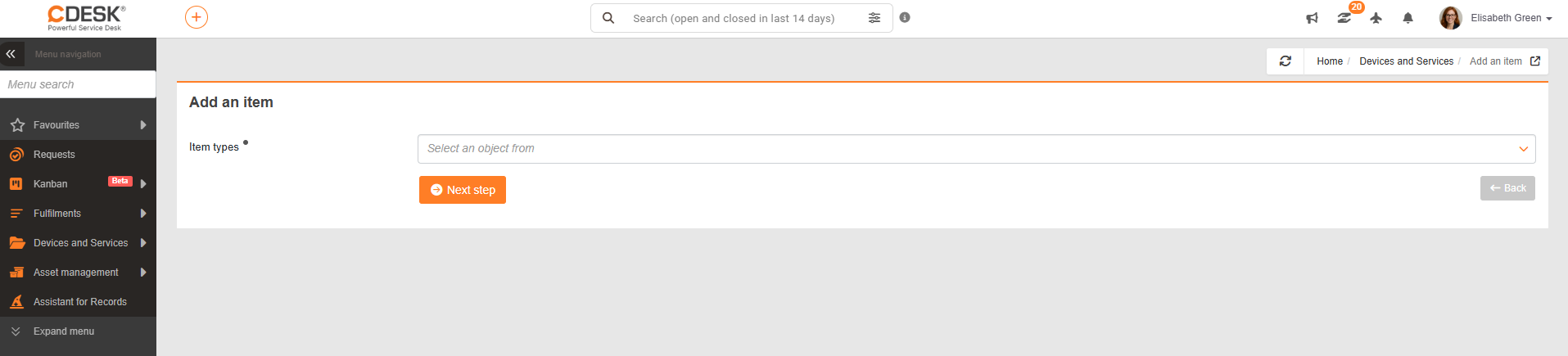
In the facility/location details, for asset tracking purposes, simply select Company and Name. After filling in these fields, don’t forget to save the facility/location by clicking the Save button.
For a more detailed description of the fields or CMDB functions, go directly to the CMDB Configuration Database manual.
!Note: it is necessary to define Facilities and Locations as entries in the configuration database. It is not sufficient to register operations and locations as types. Therefore, it is sufficient to use the system type, and there is no need to configure custom ones.