


Beta verzia novej dokumentácie.
Home Asset Register Asset Tracking Settings Activating CMDB Items – Item Types for Asset Tracking
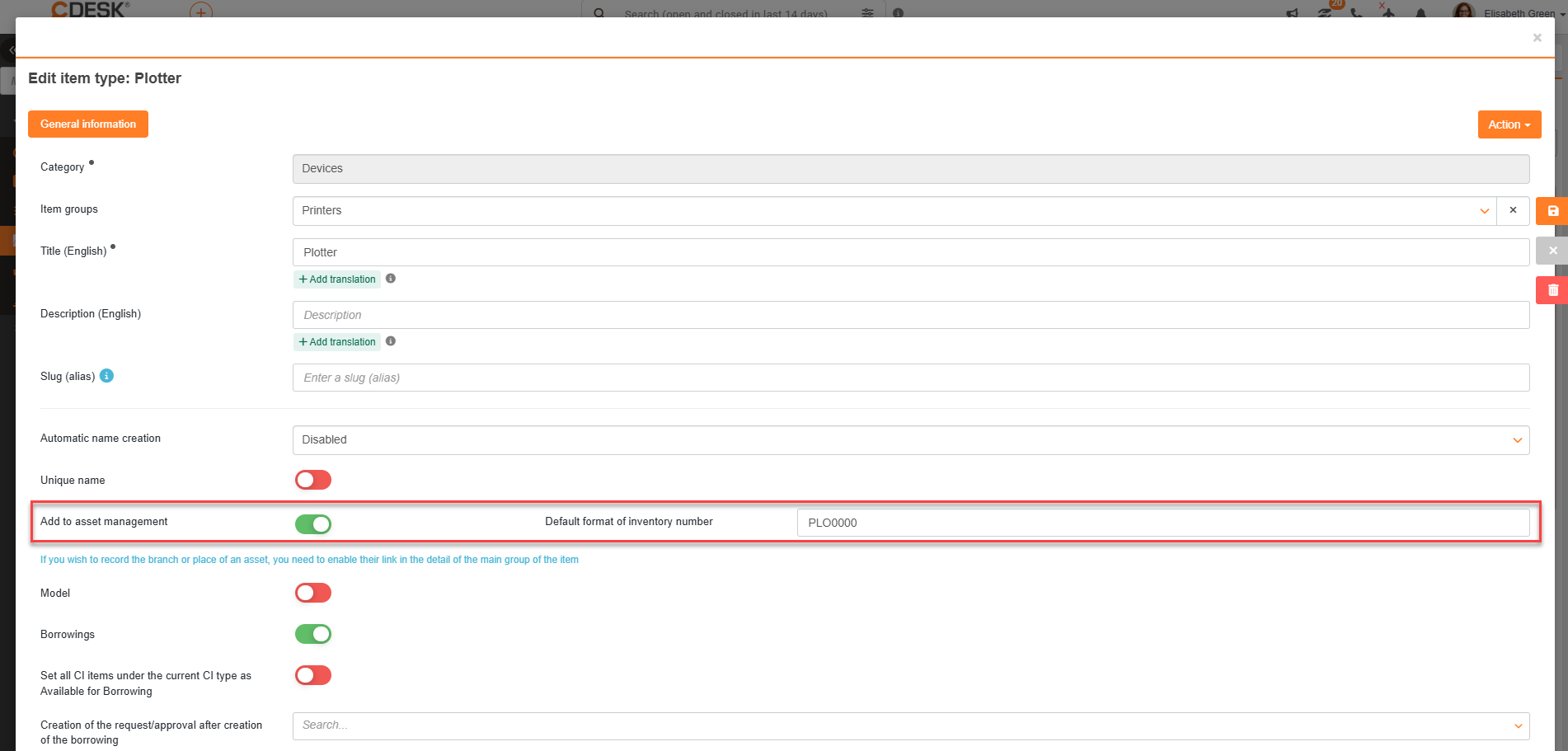
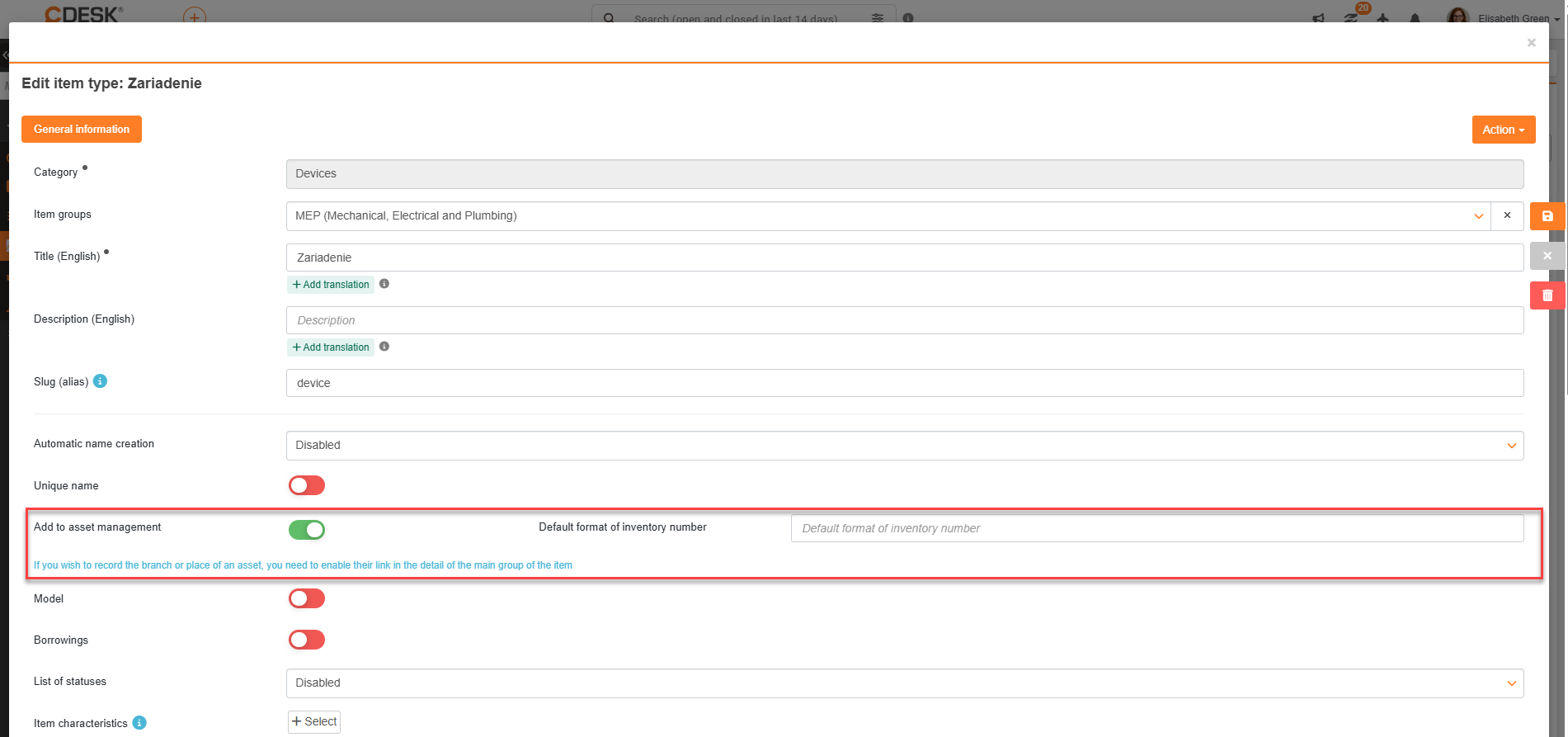
In order for a specific item type from the CMDB configuration database to be displayed and used in the asset management module, in its settings (CMDB → Item Types) the Add to asset management toggle switch must be enabled. This setting is only displayed for the item categories Equipment, General Category, and Vehicles. This setting can be enabled when creating an item type or by editing it later.
When this switch is enabled, the selected type becomes available in the asset registry, and all existing items that were recorded in the CMDB under this type are automatically transferred to the asset list. Enabling the switch also makes the field for specifying the default inventory number format available. This will be described in the next section of the manual.
If you want to record facility usage, you must enable the link in the item type details. If the option Link to Facility is set to Required/Optional, the option Link to Location will also be displayed.
In the item type settings, you can also enable the Type designation field, which will then be displayed only for those item types for which this field is enabled.
Home Asset Register Asset Tracking Settings Activating CMDB Items – Item Types for Asset Tracking
Na tejto stránke