


Beta verzia novej dokumentácie.
Home Governing access to data and functions Global settings for making features available
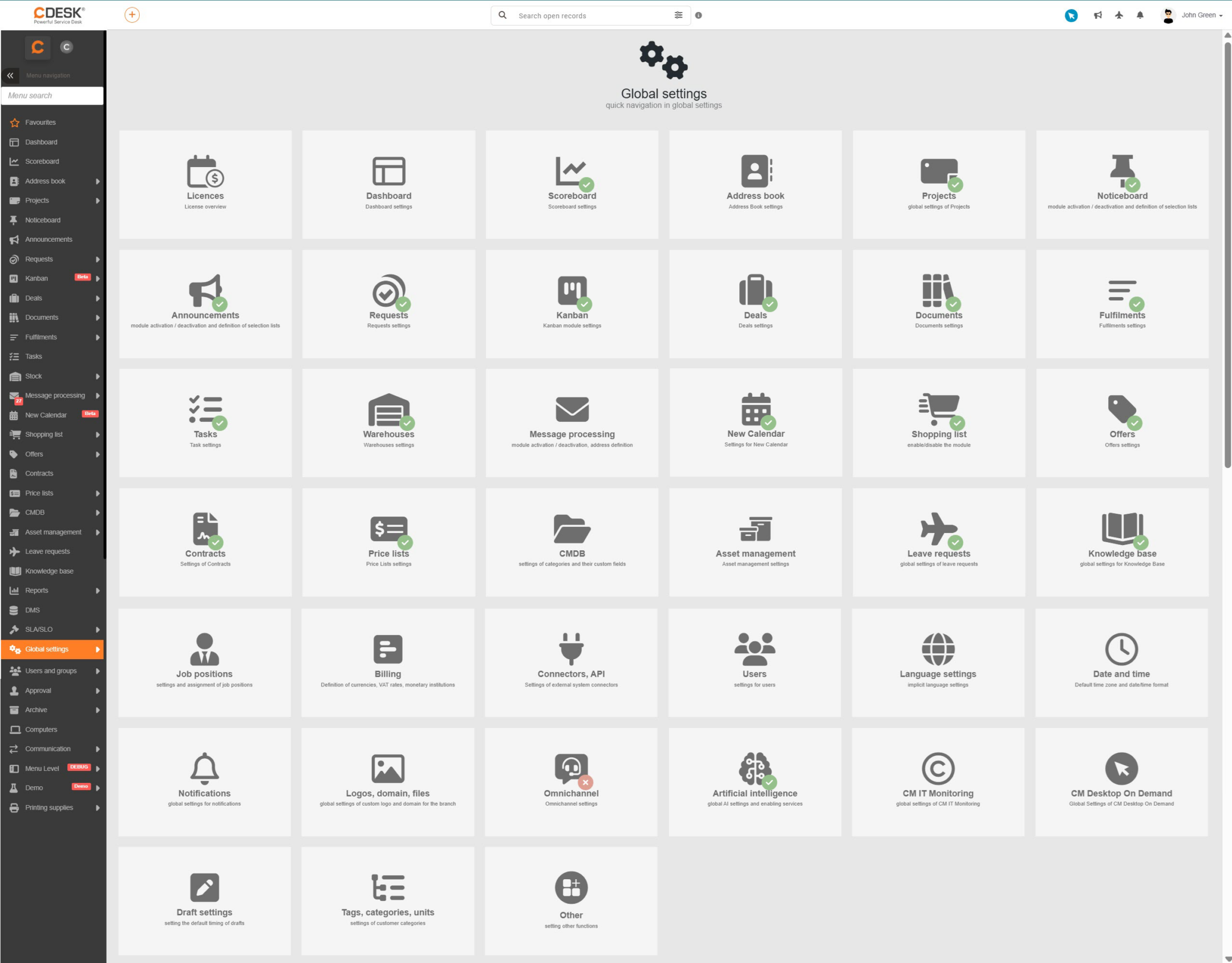
The global settings are the basic mechanism that determines which functionality of the CDESK system will be available to users. While permissions decide who has access to a particular function, the global settings are the first filter – if a function is switched off, it is not displayed to anyone in the system, regardless of the permissions assigned. This mechanism ensures that the system environment stays clear and that users are shown only the functionality actually used in the organisation.
For clarity, the global settings of the system are divided by individual module and are available in the menu under Global settings. Each category of settings is covered in detail in the individual parts of the documentation – according to the module concerned.
Home Governing access to data and functions Global settings for making features available
Na tejto stránke