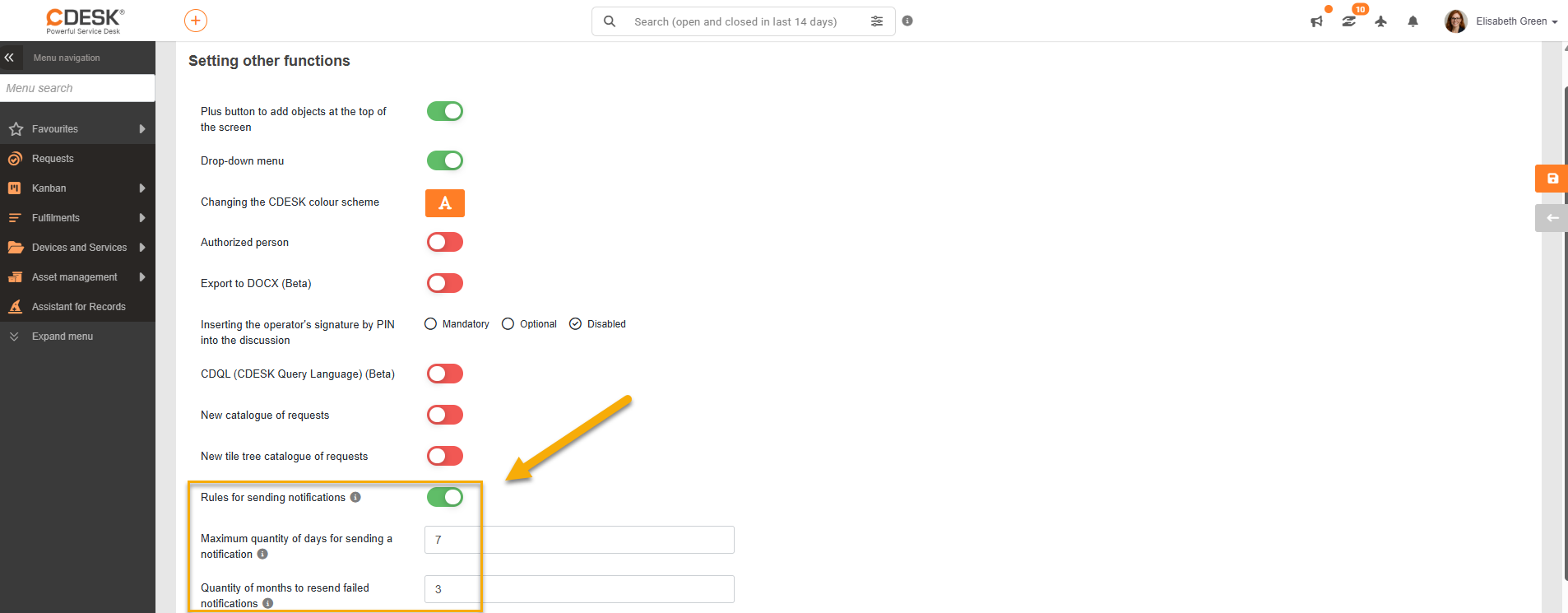
The Rule-based notifications module is not active automatically. To switch to rule-based notifications, the corresponding function has to be activated under Global Settings → Other → Notification sending rules, the settings saved and the page then refreshed.
After activation and refreshing the page, two new subcategories, Sending rules and Notification templates for sending rules, appear in the main menu under Global Settings → Notifications. Rule-based notifications bring extended configuration options for the Requests, Borrowings, CMDB and Project Deals modules, but turning the module on also deactivates the original notification settings for these modules.
After the module is activated, no default rules or templates are created automatically, and the settings from basic notifications are not carried over to the new module. The rules and the corresponding templates therefore have to be created and configured separately.
Turning rule-based notifications off restores the original basic notification settings. They remain stored in the database while rule-based notifications are in use, so there is no need to create them again, just as when turning the module back on.
Once it is turned on, you can set:
- Maximum number of days to send a notification – setting a value greater than 0 means that notifications that have not been sent successfully by the end of the specified number of days expire and are no longer queued for resending.
- Number of months for resending failed notifications – determines the period during which failed notifications can be resent. After this period, the records are deleted automatically.