


Beta verzia novej dokumentácie.
Home VoIP (3CX) Authorizations and reports Call stats
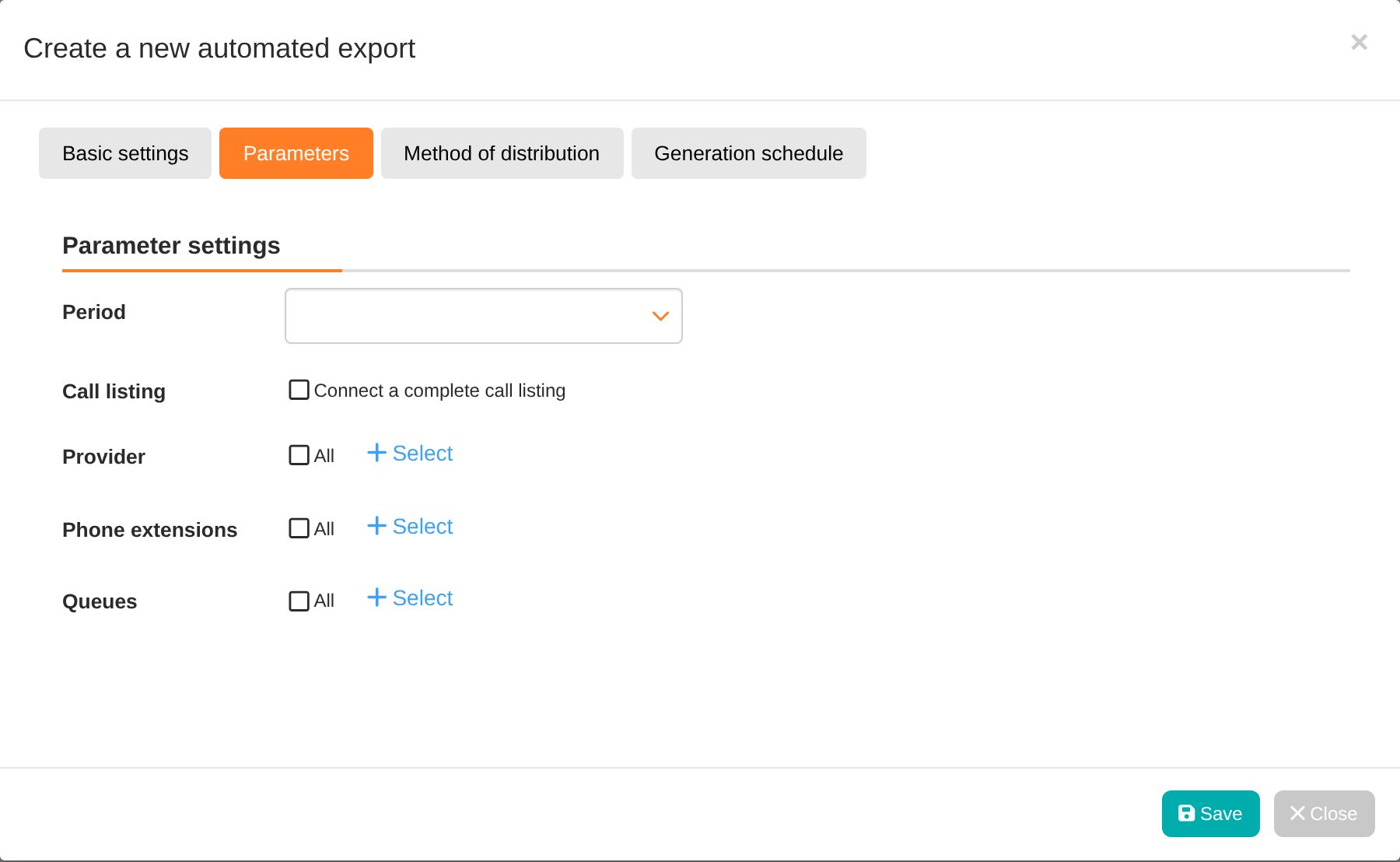
To analyse call activity, the Call Stats report (Reports → Omnichannel → Call Stats) is available when Omnichannel and VoIP are enabled. This is an automated export in XLSX format: clicking the Add report button opens the Create new automated export window with the tabs Basic settings, Parameters, Distribution method and Schedule. The report is sent by email or saved to shared storage according to the schedule (daily, weekly, monthly, annually or by calendar week). In the parameters, you can select Period, Include full call listing, Provider (3CX, Zadarma, VIPTel), Extensions and Queues.
The report contains the following sheets: All Calls, Calls on Extension, Calls in Queue (for each queue) and Call Content. For extensions and queues, it shows the quantities of all calls, internal calls, external calls and missed calls; calls handled by a request, by fulfilment or both; pending and dropped calls; as well as the total and average call duration and queue waiting time. Call content categorises calls by tags for queues with configured tags. When the option Attach complete call listing is selected, a Call listing sheet is added. The report contains all completed calls made by the organisation, regardless of what the author can see. An empty period is indicated by the announcement ‘There is no call data for the selected period.’
Access to the report is controlled by VoIP – Call Stats permission. To create and edit a plan, you also need Reports → Automated Exports (by default, only the Administrator) and Omnichannel → VoIP. An operator can see the menu item but cannot create the report until they are also granted access to Automated Exports.
Home VoIP (3CX) Authorizations and reports Call stats
Na tejto stránke